Computer Project Game
Background Information
Context
During Sophmore year of high school I was taking AP Computer Science A. At the end of the school
year the professor said that we could do whatever programmming related task we wanted as long as
we learned something new from the process. Being familiar with Unity's existance and nothing more
I decided to make my project revolve around learning the engine.
Upon looking back at some of my favorite videogames as a kid I realized that platformers were a
decently sized portion of it. So I decided to make a 2D platformer to end up aligning with the time
I had.
I used an online video tutorial to assit
in the creation of the Unity Project. I learned a lot of the basics of Unity from it in a quick fasion.
Although the time crunch of the assigment still caught up to me and I wasn't able to complete everything I
orignally wanted. So there are some unused mechanics. Despite all of that, I'm happy with the final
result.
Final Result
- A 2D platformer where you take control of a ball.
- Platforms of multiple different colors with their own unique gimmick.
- Physics that is relatively based. So speed is never abruptly slowed down when preforming certain actions.
- Ball rotations that conveyed how the ball is currently moving.
- Roughly 10 levels with automatic checkpoint systems.
- Changing sprite to easily and quickly convey the current state of the player.
Relevant Keys
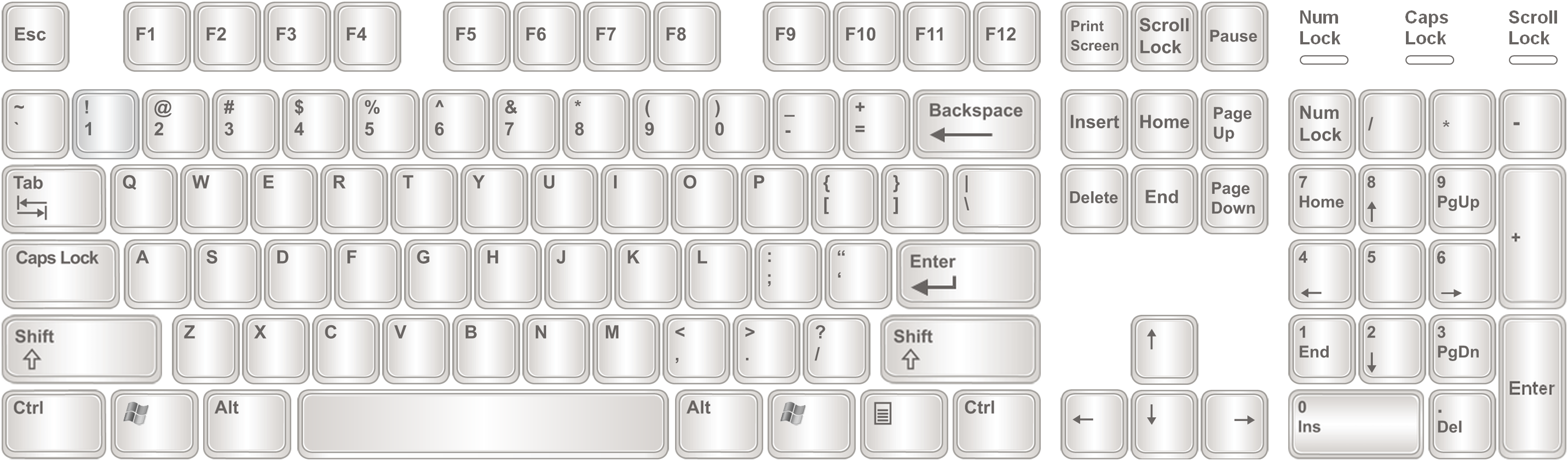
w key
Allows you to jump, double jump, wall jump (watch the sprite), and fall slightly slower
s key
Allows you to fall faster in the air and morph on the ground to jump higher
a key
Allows you to roll to the left
d key
Allows you to roll to the right
Alt + Enter keys
Fullscreen the applications (only works if downloaded)
m + space + any arrow key
Disables gravity and allows you to fly around